Manage your Android using Windows
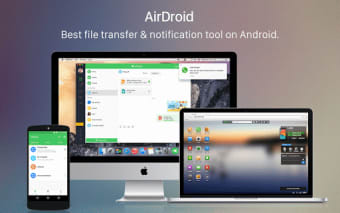
Airdroid is one of the best remote management system for Android phones. The Desktop version doesn't completely substitute the web interface, but it does have more powerful features, such as remote control in real time.
Your phone integrated in the system
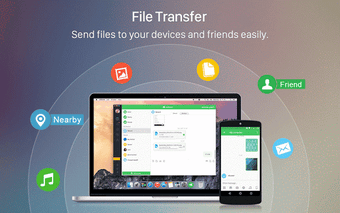
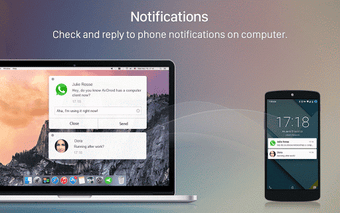
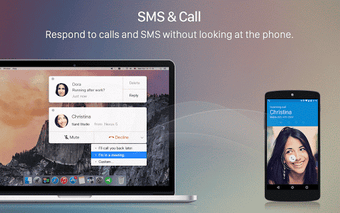
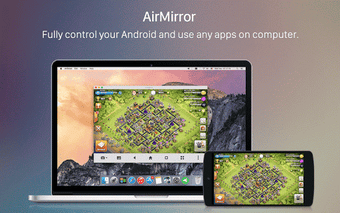
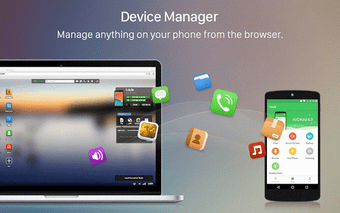
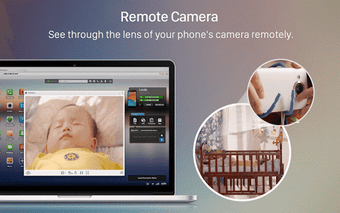
How many times are you browsing online or working and need to pick up your phone? So you have to write on your phone's screen while having a complete keyboard right in front of you.That ends with AirDroid Desktop, which integrates into your computer your phone's most important information, so you don't have to alternate between devices unless it's completely necessary.Specifically, AirDroid Desktop includes remote vision and control of your phone's screen in real time, with acceptable quality and lag. You can browse menus and use your mouse to control Android remotely.Another interesting feature are the Desktop notifications. You no longer need to look at your phone every time you have a notification. They show up in a small floating window, with the chance of replying to your SMS directly from there.As if it were not enough, with AirDroid you can also answer calls directly using headphones and the microphone of your equipment. Unless the web version of AirDroid, the Desktop version doesn't have a complete interface. It integrates into the system with floating windows, whether they are notifications or your phone's screen remote vision.There are some sections, such as managing photographs, that are exclusive of the web version, so you'll often find yourself using both systems at the time to take full advantage of the system.
The perfect union
AirDroid is a nice merging of devices that will probably increase your productivity. It's not perfect, but it's well built and it shows how Android should have been from the start, if it had wanted a better integration with other systems.